Throughlineby Axiom
From Axiom · for owners and general contractors
ConstructLD

Run the build from one system.

Every subcontractor, dollar, schedule date, permit and piece of owner-furnished equipment in one place — and the owner's team sees it in real time, on site or off.

It does the coordination work a general contractor's project-management staff would otherwise do, and puts it in the owner's hands.

A steel-framed building under construction at dusk, cranes and lights over the site
One place for the whole build
01What it is

The GC's PM function. On the owner's side of the table.

A general contractor's project managers mostly coordinate: chasing subs, keeping the schedule, tracking money and paperwork, reporting up. ConstructLD does that work and keeps it with the people who own the building — so a lean team runs the build with its own best project manager, and the executive group sees the same picture they do.

Better coordination, not more headcount

The small back-office misses that turn into big slips — a lapsed certificate, an unapproved change order, an inspection nobody booked — get caught at the source.

The owner sees it as it happens

No monthly report to wait for. Budget, schedule, the site and the path to opening, live, from wherever the executive team is.

Set up around your build

Your divisions, your subs, your permitting jurisdiction and your accounting system are mapped in a discovery session before anything is switched on.

02What it goes after

Six problems on a build like this.

Delays

What causes it

One trade waits on another; a slip is found weeks late; permits, inspections and long-lead equipment run on their own clocks.

What the system does

One master schedule with dependencies to opening day. When a date slips, everyone it affects is told, and the owner sees what it pushes and what it costs.

Subcontractors

What causes it

Many subs, each reporting its own way; insurance and paperwork lapse quietly; nobody on site full time to verify the work.

What the system does

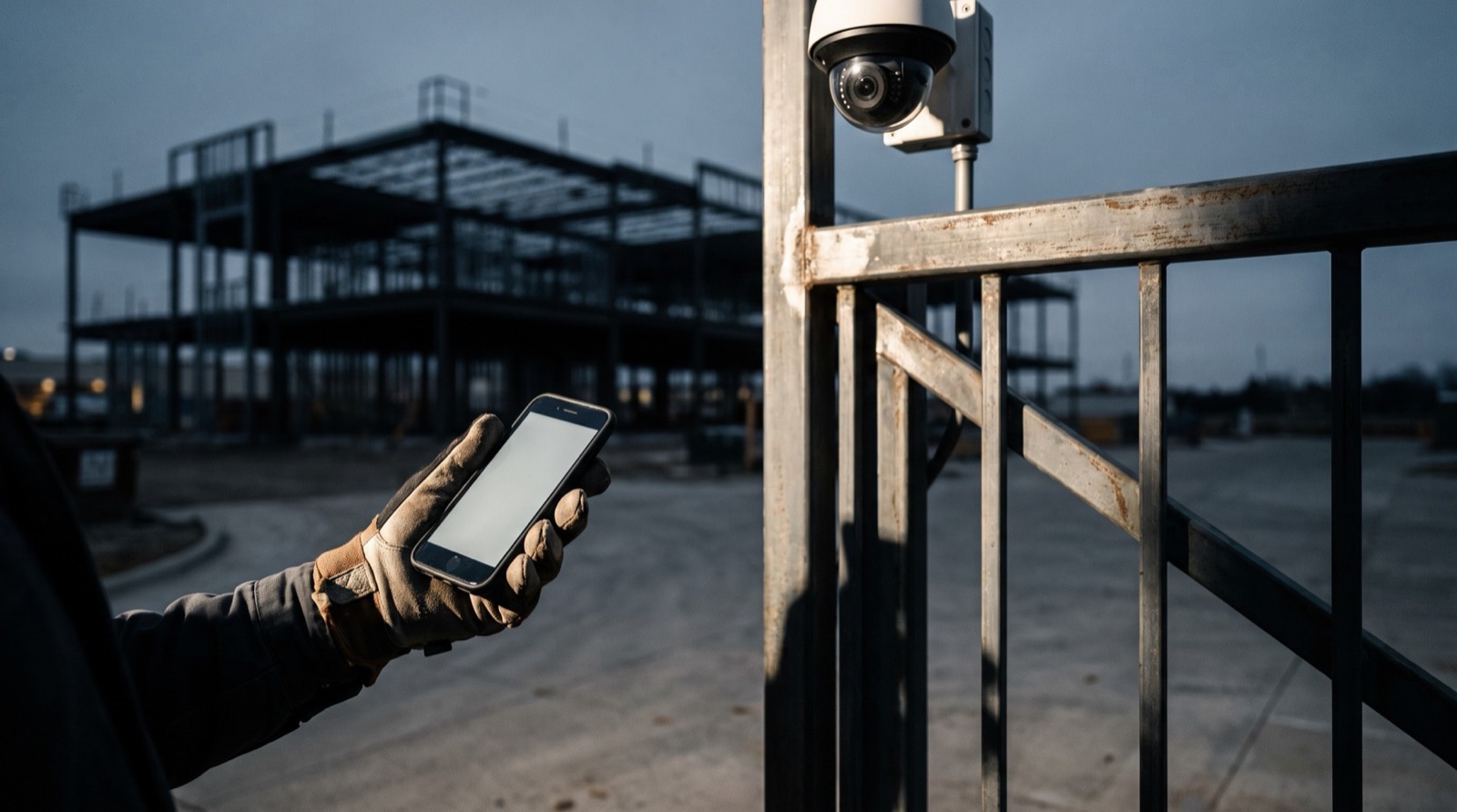
Every sub works inside one system: progress reports and photos from a phone, check-in and check-out at the building, documents with expiry warnings.

Inspections

What causes it

Booked late, or the work isn't ready when the inspector arrives; failed items sit with no owner; a re-inspection pushes the schedule.

What the system does

Every required inspection is tied to its stage and date with a readiness checklist. Failed items become punch items with an owner and a re-inspection date.

Daily visibility

What causes it

The owner learns what happened on site days later, second-hand, or not at all.

What the system does

A daily site record: who was on site and for how long, each sub's report and photos, camera views, inspections done and coming, and issues raised.

Money

What causes it

Spending is committed in many places before anyone totals it; change orders and invoices arrive out of step with the budget.

What the system does

A budget by division, subcontractor and element, with every PO, change order and invoice posted against it as it happens — including the interest carried while the project runs.

Getting open

What causes it

The path from permits through inspections to the certificate of occupancy has many owners and no single tracker.

What the system does

Each permit, inspection and punch item has an owner and a date, so the team knows what stands between today and opening.

A late sub costs interest every day. A failed inspection pushes the CO. A problem seen the same day costs far less than one found next month.
03The elements

What's in the system.

From the first budget line to the certificate of occupancy — and every sub, permit, pay application and camera view in between — it's one system, not a stack of them.

01

Budget & the cost of time

  • One budget, cut by division, by subcontractor and by element
  • Every line carried through seven stages — original to forecast
  • Variance flagged early, not at month-end
  • Cost of money: draw schedule × financing terms = interest carried, month by month
  • A schedule slip priced in dollars, not just days
  • A closed scope stays closed — no new cost without a deliberate reopen
02

Master schedule

  • Activities, dependencies and milestones to opening day
  • Critical path across every trade, permit and delivery
  • Slip impact: what a moved date pushes downstream
  • Each sub sees its own upcoming work
  • A change reaches the people it affects — inbox, email or both
03

Subcontractors

  • A portal for every sub: daily or weekly progress, photos, issues and RFIs from a phone
  • Insurance certificates, agreements and licences stored per sub, with expiry warnings
  • Subcontracts with a schedule of values
  • Pay applications checked against reported progress, retainage tracked
  • Bid review: sub bids against the budget line and against each other
04

Inspections & the CO

  • Every inspection a permit or stage requires, tied to the schedule
  • Readiness checklist completed on a phone, with photos, before the inspector arrives
  • Failed or conditional items become punch items with an owner, due date and re-inspection date
  • The owner's own quality walk-throughs, recorded with photos and GPS
  • Each permit with its status, expiry and owner, tracked to the CO
05

Daily site record

  • Assembled automatically — nobody compiles it
  • Check-in and check-out at the building: who, from which sub, how long
  • The site's fixed cameras as dated progress evidence, beside each sub's report
  • Inspections done and coming, issues raised
  • A daily summary to the owner's team; decisions land in the Action Inbox
  • A dated, photographed history for pay apps, delay claims and warranty questions
06

Purchasing, invoices & change orders

  • Purchase orders raised in the system — requested, approved, committed at issue
  • Sub and vendor invoices posted against their PO or subcontract
  • What's left to bill, always visible
  • Change orders on both sides — owner-directed and sub-requested — tied to the lines they move
  • Reconciled with the accounting system; QuickBooks Online supported, others confirmed at discovery
07

Owner-furnished equipment

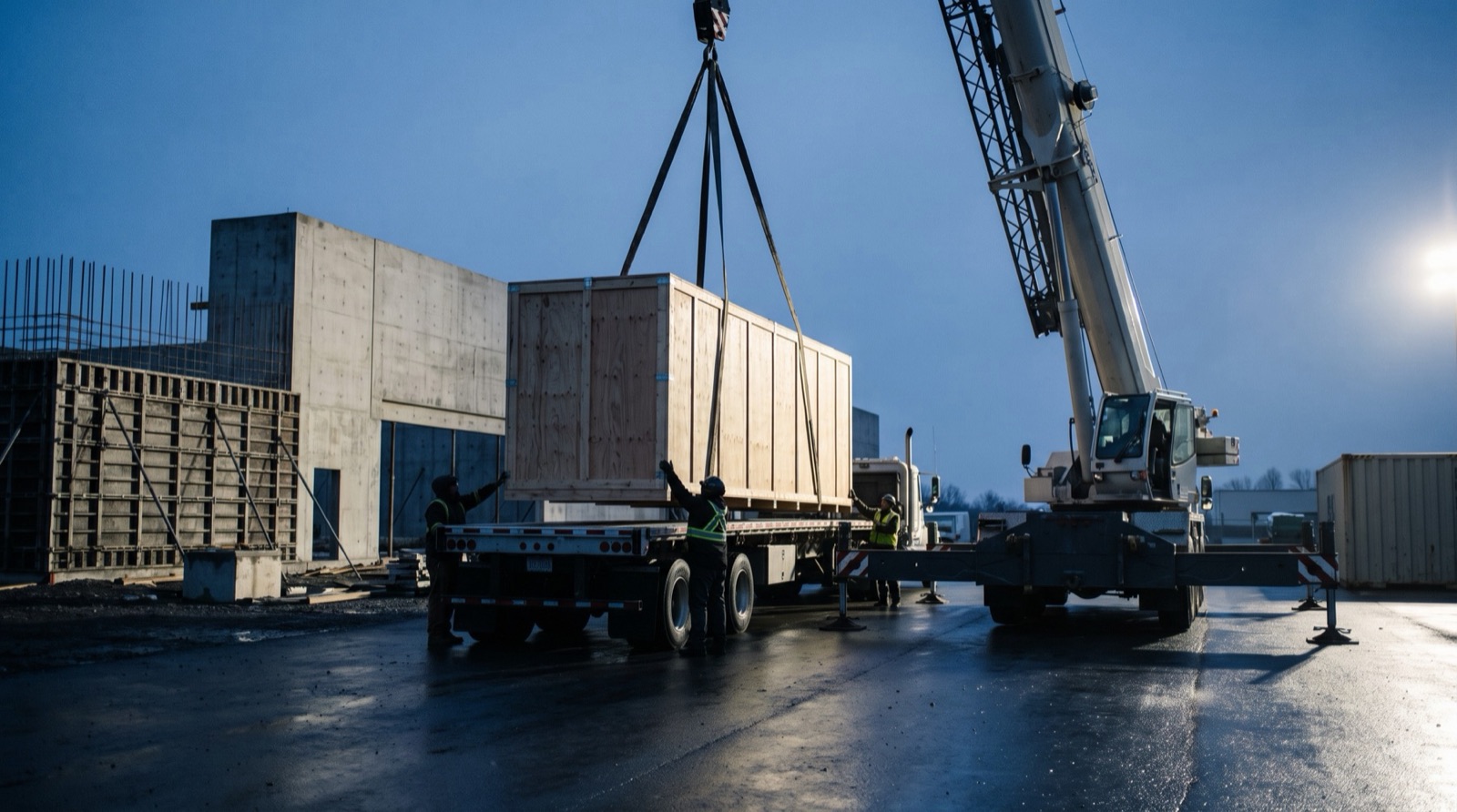
  • Each major piece — rides, kitchen lines, specialty systems — from order through manufacture, shipping, customs, delivery, install, testing and sign-off
  • Site readiness and the install crew tied to each arrival date
  • Equipment records keep their documents and warn before certifications expire
08

Documents

  • Drawings, contracts, permits, submittals and photos filed by project and division
  • Findable by anyone with access
  • Access by role — a sub sees its own work, the owner sees everything
09

Owner dashboard & Action Inbox

  • Budget vs committed vs invoiced vs paid, at any level
  • Interest carried to date and to opening
  • Schedule status and what slipped this week, and why
  • What stands between today and the CO
  • Every decision waiting on the owner's team, in one list
Every budget line carries seven figures
  1. Original
  2. Approved changes
  3. Revised
  4. Committed
  5. Invoiced
  6. Paid
  7. Forecast

Each one is cut by division, by subcontractor and by element, so the same line answers the owner, the PM and the accountant.

04The GC's project-management function

Who does the work, with ConstructLD.

GC project-management task
Who does it
Coordinate and sequence subs

The owner's PM, from the master schedule and the sub portal.

Collect progress and verify work

Subs report with photos; cameras and check-in confirm presence and progress.

Track budget, commitments, change orders

Built into every PO, change order and invoice as it is entered.

Review pay applications

Checked against the schedule of values and reported progress.

Keep insurance and paperwork current

Expiry warnings reach the owner's team before anything lapses.

Chase permits, inspections, the CO

Each item carries an owner and a date, tracked to the CO.

Report to ownership

The owner dashboard, live. No monthly report to wait for.

What it does not replace. Software cannot hold a contractor's licence. Permits, site safety and responsibility for means and methods still sit with a licensed party, and the system tracks that party's obligations like any other. The right structure for your project is a question for discovery and your counsel.

05The owner's view

The questions ownership asks every week.

One dashboard answers them, without anyone compiling a report.

Money

Budget against committed, invoiced and paid — whole project, any division, any sub, any element. Interest carried to date and to opening.

Time

Where the schedule stands against opening day, what's on the critical path, what slipped this week and why.

Getting open

What stands between today and the certificate of occupancy, and who owns each item.

Equipment

Where every long-lead piece is, from the factory to sign-off.

The site

Today's record: who was there, each sub's report, the latest camera views, inspections and open issues.

Where ConstructLD stands

It is built on the same system that runs Throughline on live contractor jobs today — the job-cost, purchase-order, vendor, field-form, document and Action Inbox machinery underneath is the same — with the construction-management layer built on top of it.

It is set up one project at a time, around the way the owner's team already runs the build. Every engagement starts with a discovery session: the real division list, who holds the GC role, the accounting system, the financing terms, the permitting jurisdiction and the equipment list — before anything is switched on.

Building something?

Talk to us about the project.

Tell us what you're building, who's running it and where it stands. We'll come back within one business day.

Tell us about your project

Or call or text (832) 852-8361